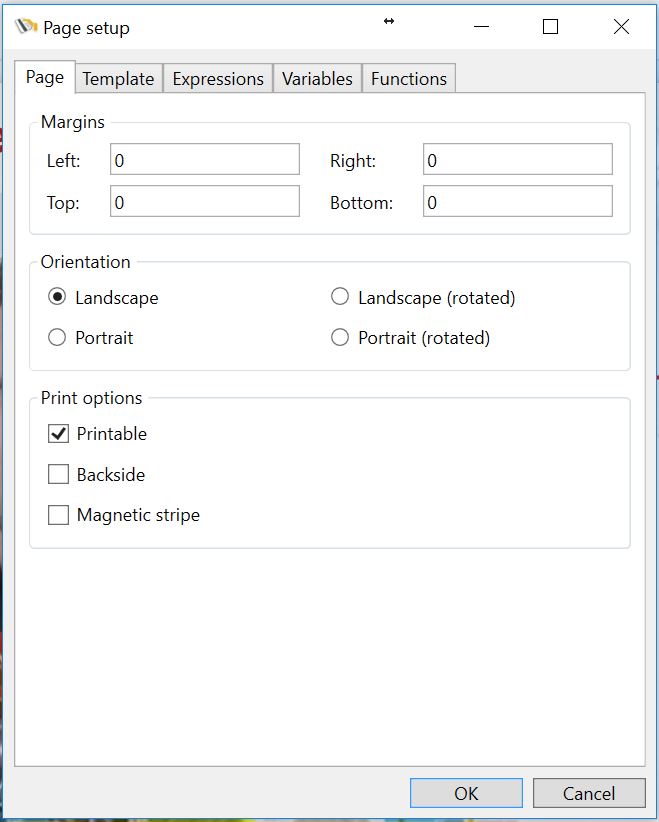
For each selected page in your layout, specific settings can be made. For example, if you are having a double sided print with two pages, the front page can be set to Landscape and the backside can be set to Portrait.
Margins
•Enter the page margins
Orientation
•Change the orientation for landscape or portrait
Print options
•Set the print options for the layout;
oSelect printable for graphical printing the page
oSelect or deselect Backside to print or not print the backside
oSelect magnetic stripe if magnetic encoding is used